


Activar el modo Sound-to-Light con la App:
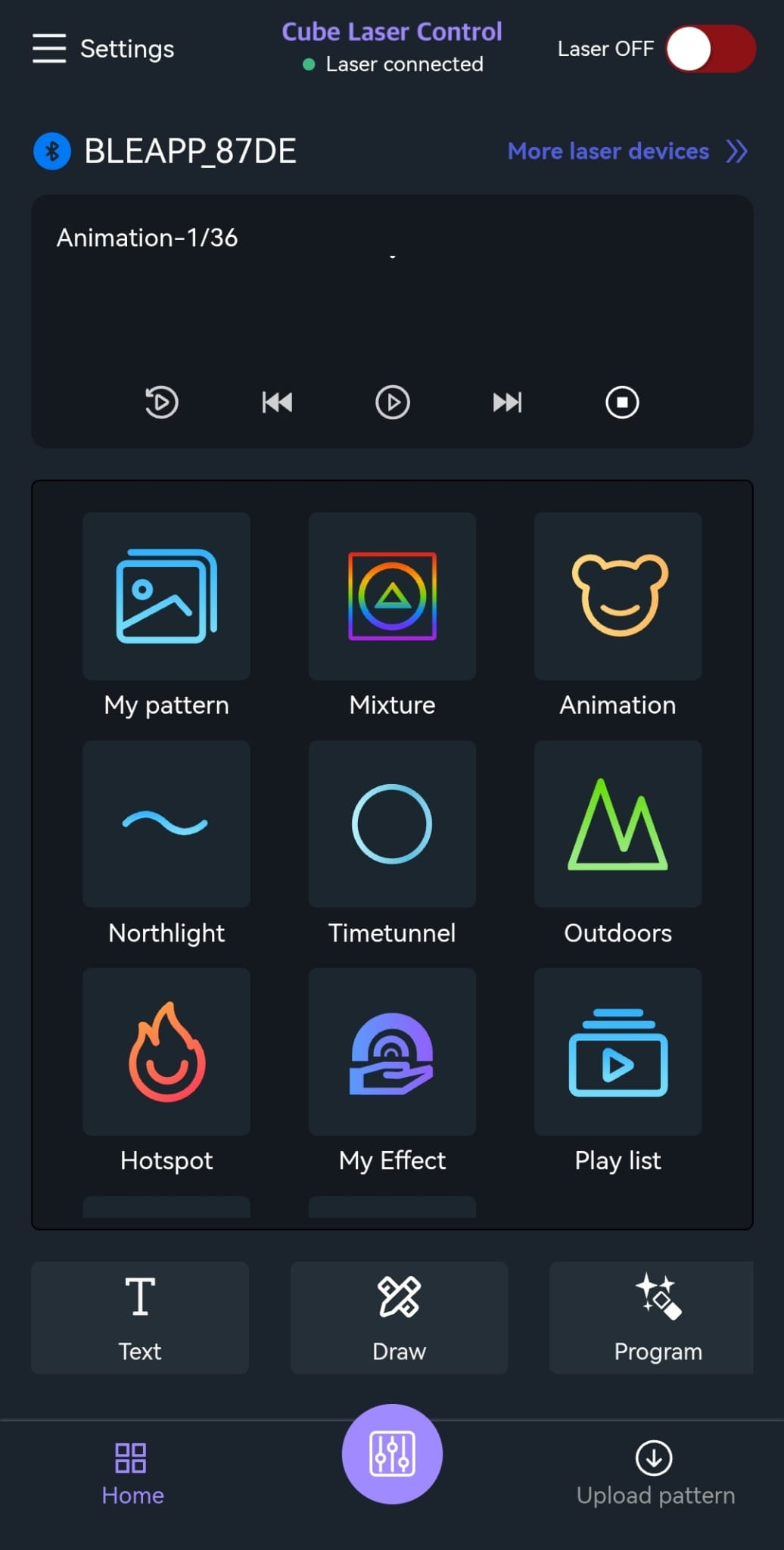
- Presione el botón morado en la parte inferior central
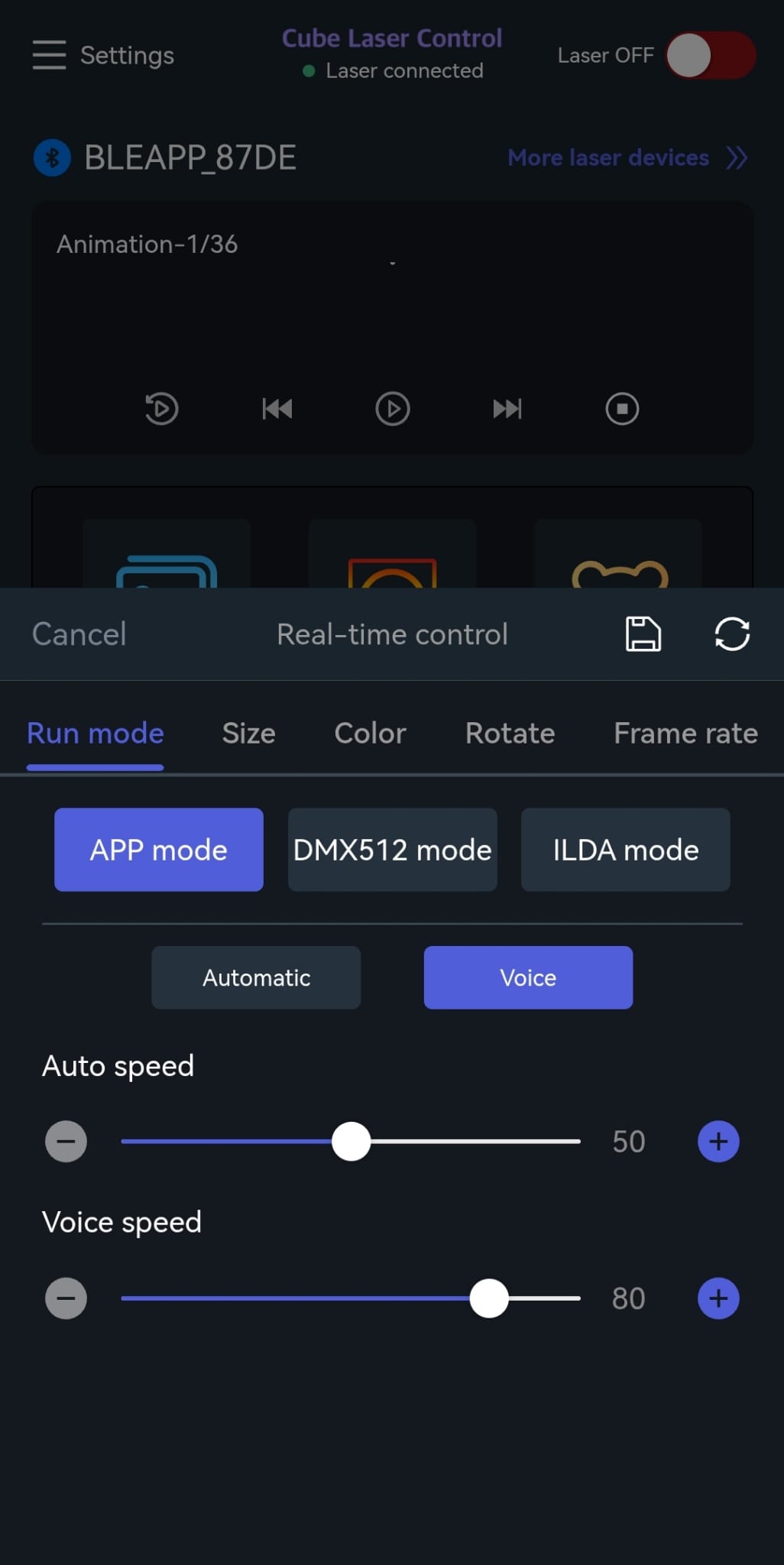
- Haga clic en los siguientes botones:
- Run mode
- APP mode
- Voice
Ahora el funcionamiento Sound-to-Light está activo.
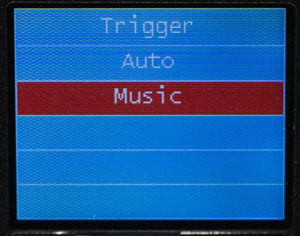
Activar el modo Sound-to-Light en el láser:
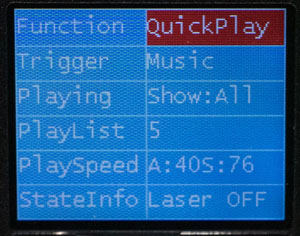
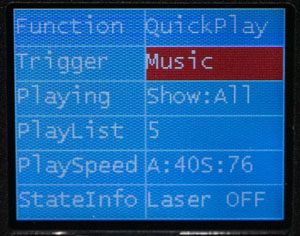
- Function -> Quickplay
- Trigger -> Music








Marcas distribuidas: